
SmartKid Parental Control
Empowers Your Family With Smarter Screen Time, Safer Browsing, And Complete Peace Of Mind

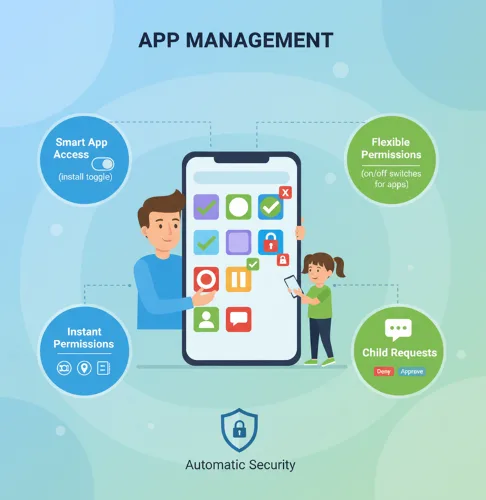
App Management
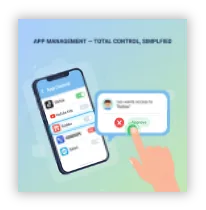
Smart App Access Management
Parents stay in control by choosing if their child can install apps, while still allowing full app store access so the experience can grow with the child's needs and maturity.
Flexible App Permissions
Once your child installs an app, it is automatically disabled by default, and you decide which apps and third-party apps to enable.
Instant Permission Management
View, approve, revoke, or modify app permissions at any time with a single tap, giving you real-time control over device features.
Child Request System
Children can request access to specific apps and parents can instantly approve or deny requests directly from the app.
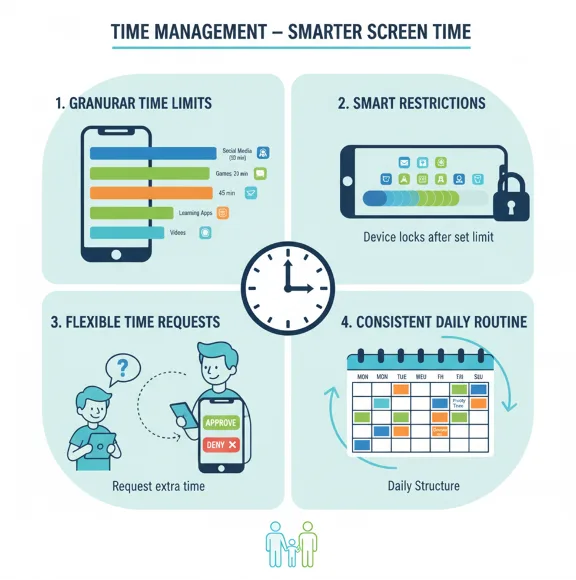
Time Management
Granular Time Limits
Configure daily screen time limits at the device level, for individual apps, and/or for app categories like games or social media.
Smart Restrictions
Automatically restrict device usage when daily limits are reached, while keeping essential functions like calls and messages available.
Flexible Time Requests
Children can request additional screen time when needed, and parents can approve extensions that apply only to the current day.
Consistent Daily Routine
All time limits reset automatically each day, helping establish healthy digital habits and predictable routines for your family.
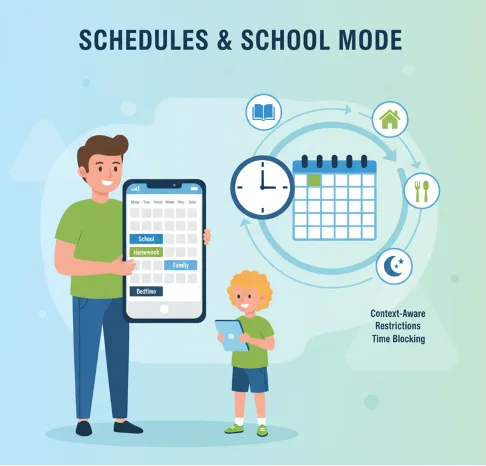
Schedules & School Mode
Customized Time Blocking
Create flexible schedules that automatically reduce or disable screen access during important periods like school hours, homework time, family meals, or bedtime. Seamlessly integrates with your daily routine.
Context-Aware Restrictions
Set specific rules for different times of day, allowing you to adapt screen time rules to your family's unique schedule and routines.
Recurring Patterns
Establish recurring daily or weekly schedules to consistently encourage focus, learning, and balance throughout your child's week.
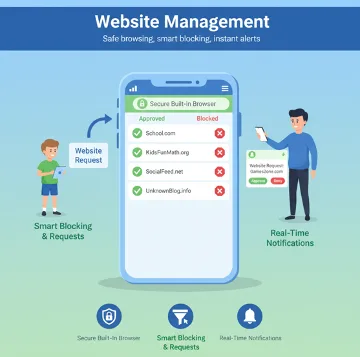
Website Management
Secure Built-in Browser
A purpose-built browser ensures children can only visit websites that parents have explicitly approved, blocking all non-approved content.
Smart Blocking & Requests
Unapproved websites are automatically blocked, but children can submit requests to visit specific sites for parental review.
Real-Time Notifications
Parents receive instant notifications whenever a child requests access to a website and can approve, deny, or manage requests anytime.
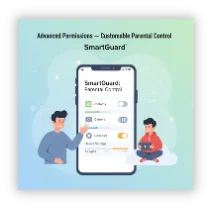
Flexible Permissions
Maturity-Based Access
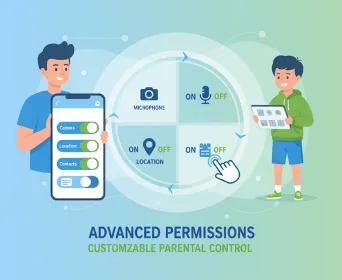
Fine-tune your child's digital permissions based on their age, maturity level, and your family's values with granular control settings.
Feature-Level Management
Grant or restrict permission to specific device features such as contacts, camera, microphone, location services, and other sensitive capabilities.
Secure Defaults
All sensitive settings and features are locked down by default, and you as parents can decide to temporarily enable features or settings.
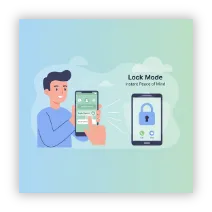
Lock Mode
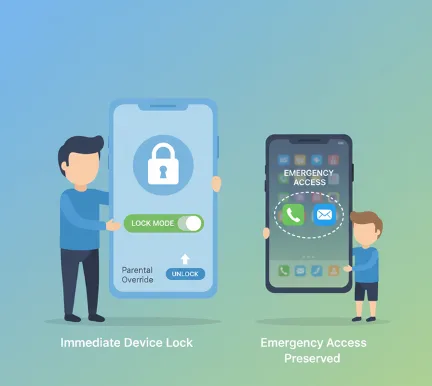
Immediate Device Lock
Instantly lock your child's device remotely when needed, preventing access to all apps and distracting content.
Emergency Access Preserved
Critical functions including phone calls and text messages remain fully accessible even when Lock Mode is active.
Parental Override
You maintain complete control and can unlock the device at any time from the app when you're ready to restore access.
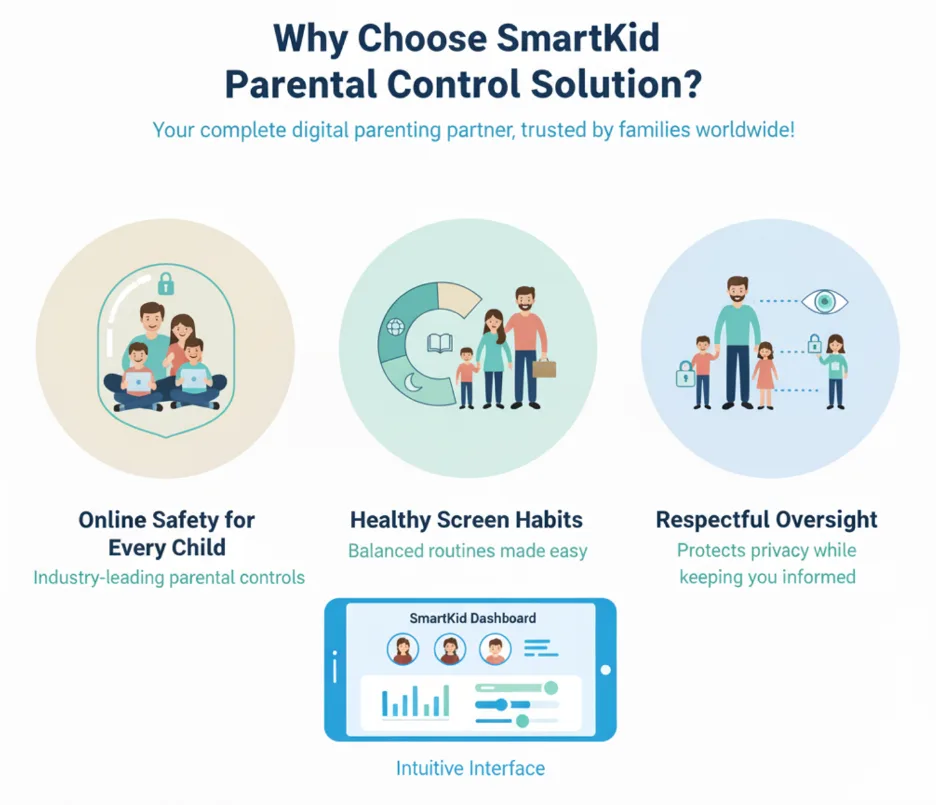
Intuitive Interface, Powerful Results
SmartKid combines industry-leading parental controls with a family-friendly design that respects both parent oversight and child privacy.
Ready to bring safer digital habits to families?
Request a demo or contact our team to get started today.
- 20+Core features
- 24/7Protection
- 100%Parent control